Parendipity vs. Sense
Both turn messages into events. The difference starts with what you send.
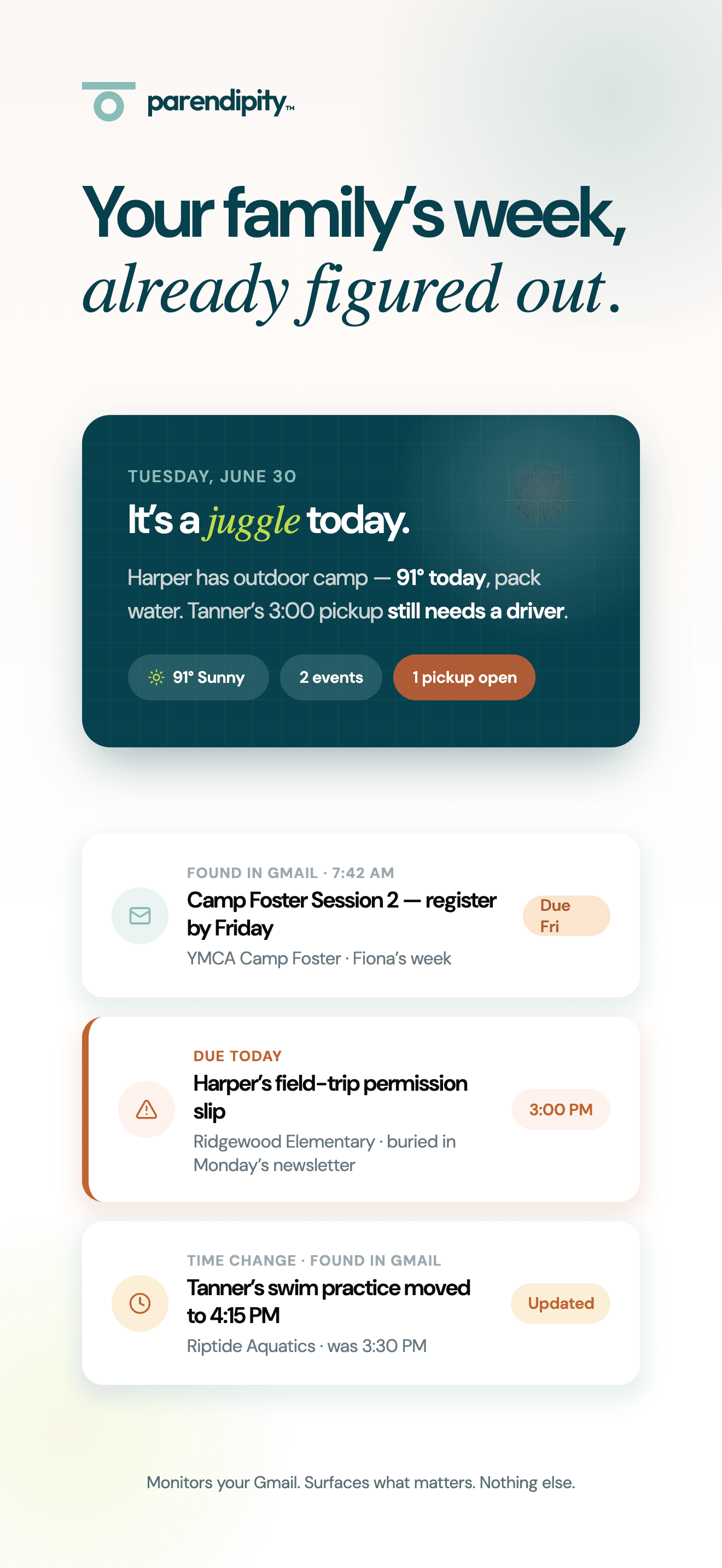
Sense turns forwarded emails, screenshots, PDFs, and messages into a family calendar. Parendipity monitors connected Gmail for school and activity updates, then helps parents coordinate the resulting schedule. Sense offers a free tier and Android support. Parendipity is for families who want fewer forwarding steps and a shared plan for the rides and responsibilities around each activity.
01
Decide who makes the first pass.
Sense is useful if you prefer to choose what an assistant receives. You forward or share the newsletter, photo, or message that needs attention. With Parendipity, Gmail monitoring supplies that first pass for school and activity email after you connect your account. Try the workflow with a normal school week, including the reschedule that arrives after the original event, and see how much coordination remains for you.
02
Choose the devices your family uses.
Sense offers iPhone, Android, and web access, which may be a better fit for a household that wants the same organizer on every device. Parendipity's mobile app is currently for iPhone. An Android co-parent can still view events through shared Google Calendar, but that is calendar access, not every action or responsibility control in the Parendipity app.
03
Plan the ride around the calendar entry.
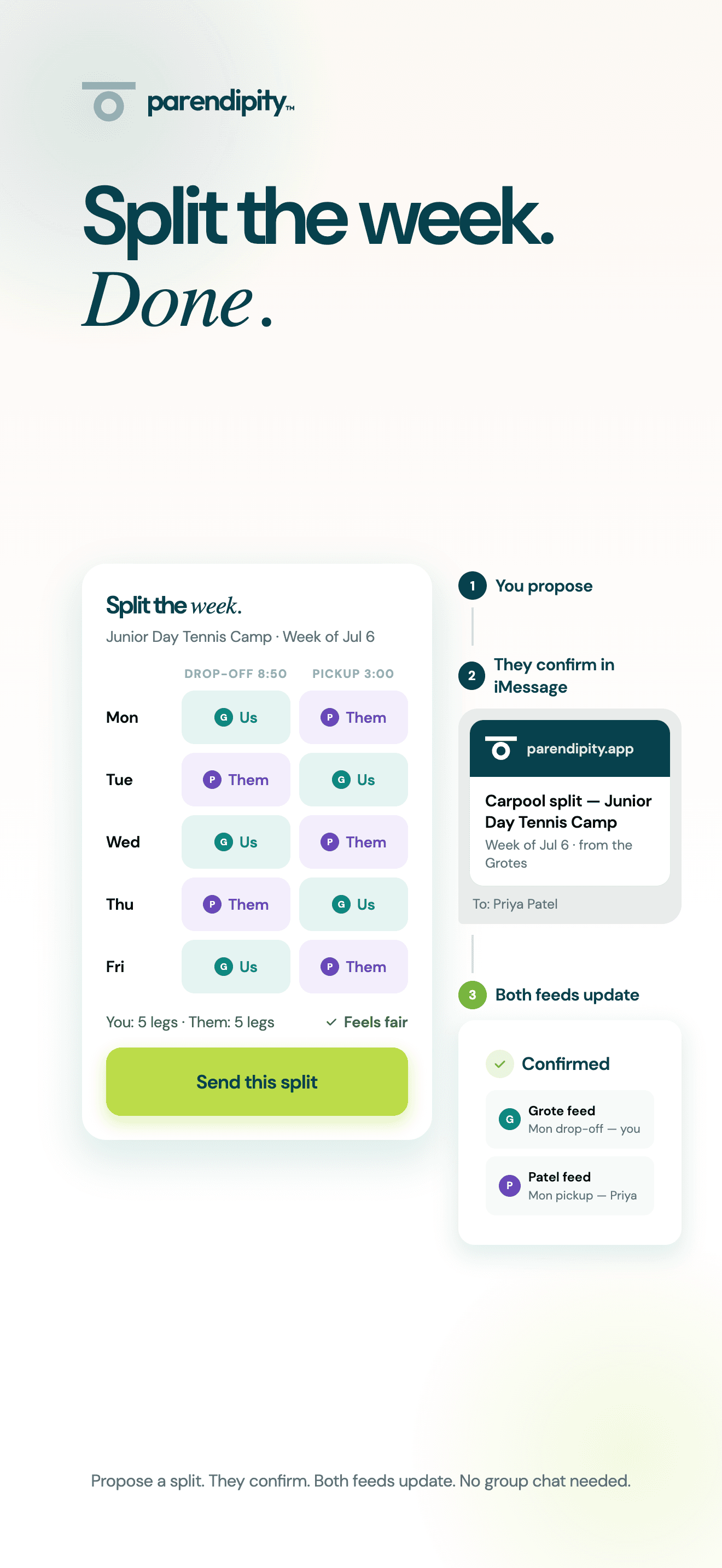
For a family with several activities, an accurate event list is the start of the week. Parendipity adds a shared view of pickup and dropoff responsibilities and coordination with carpool families. Compare that flow using a real handoff: one parent takes a child to practice, another collects them, and a neighbor helps on Friday. The right tool should make the next person's part clear.
04
You do not need to replace a useful display.
Parendipity can sync events to Google Calendar, allowing a connected Skylight to show them. Sense also offers calendar connections and a tablet display option. Choose the intake and coordination workflow before adding another screen. If you combine tools or school calendar feeds, review overlapping sources so the same activity does not appear more than once.